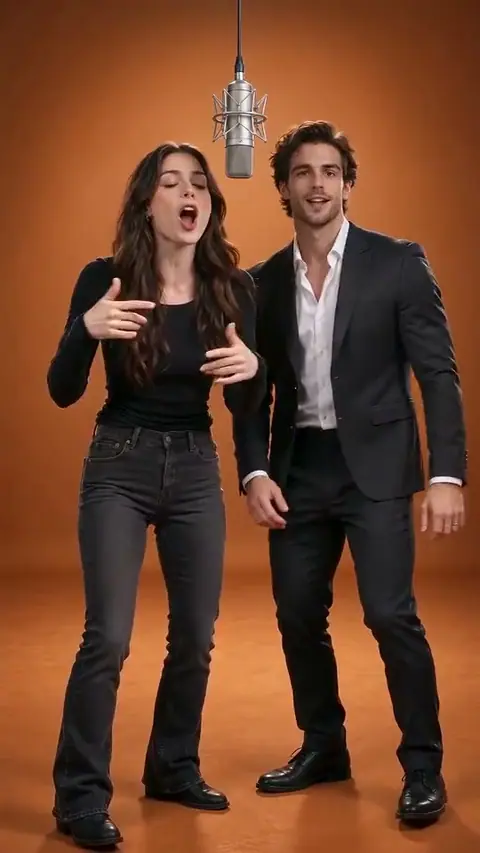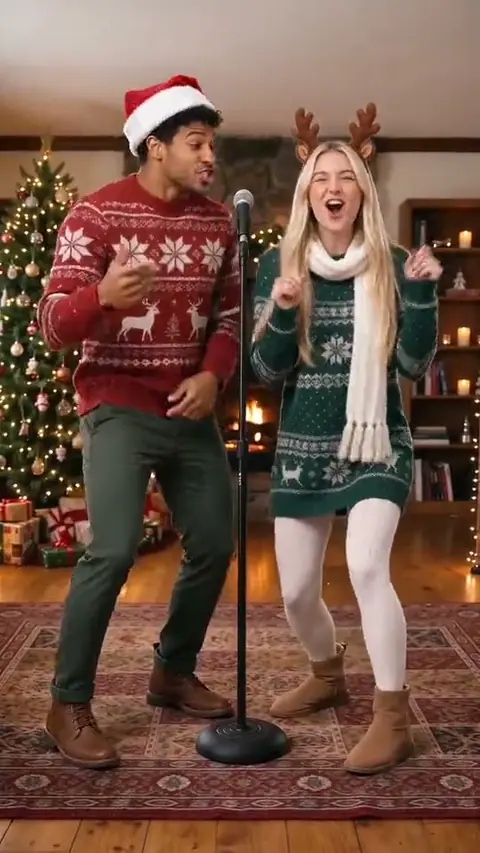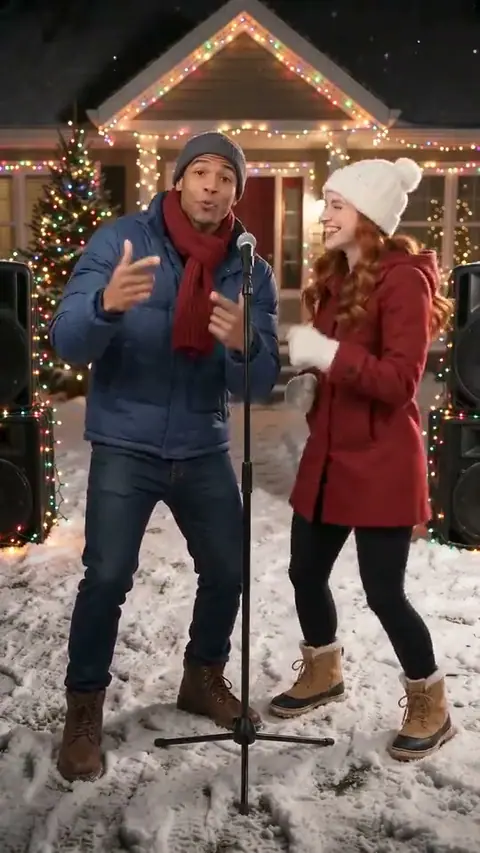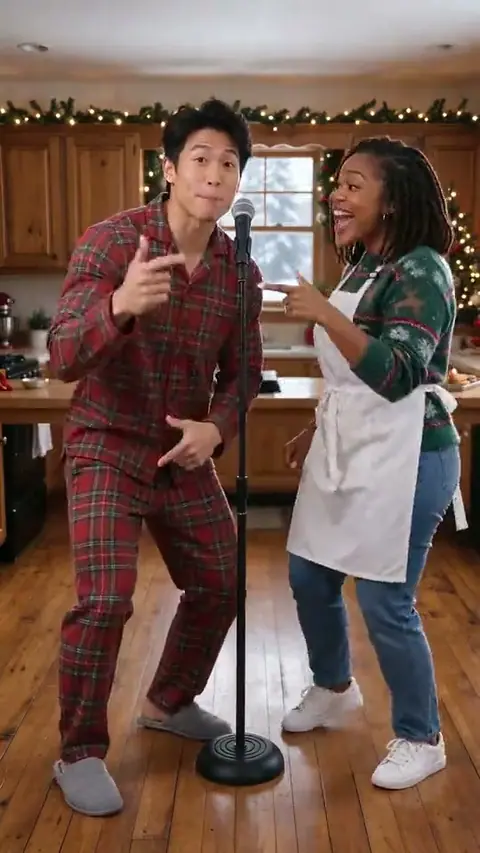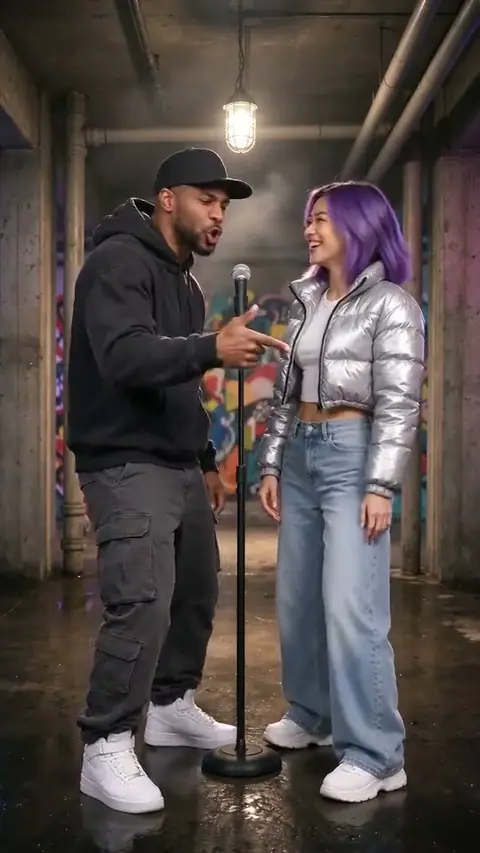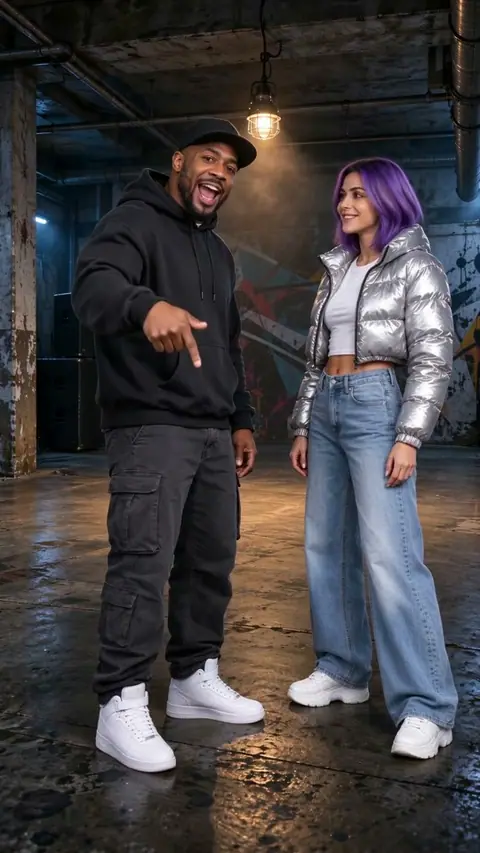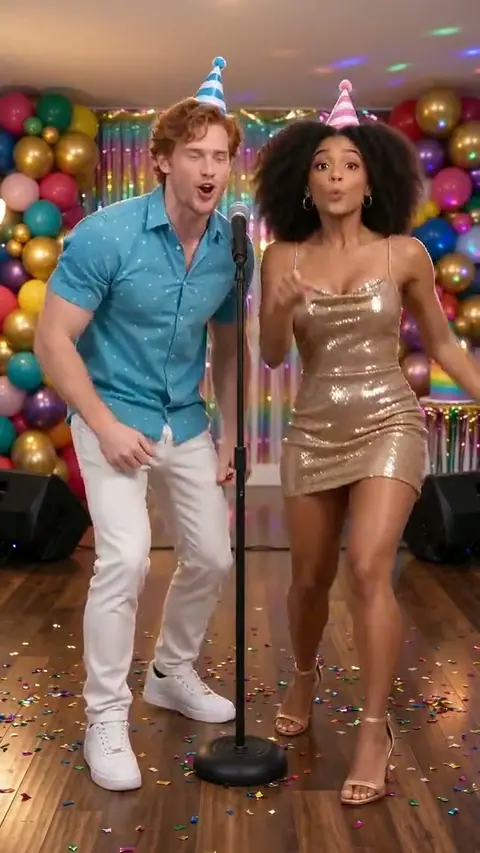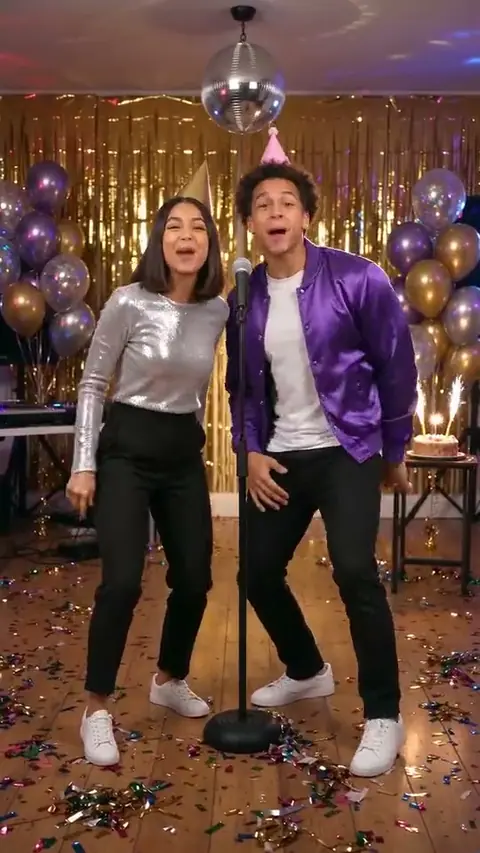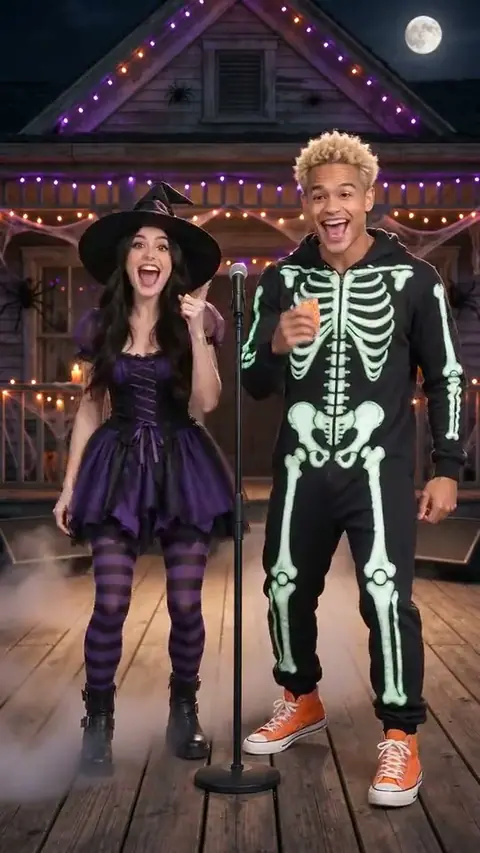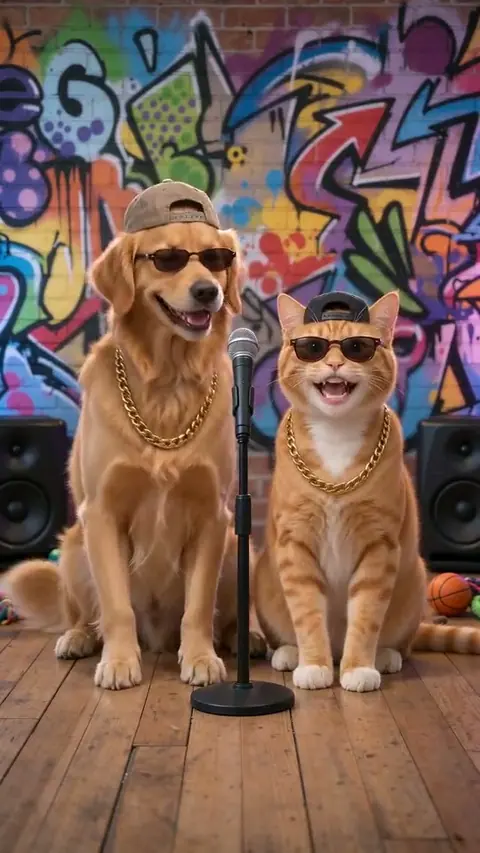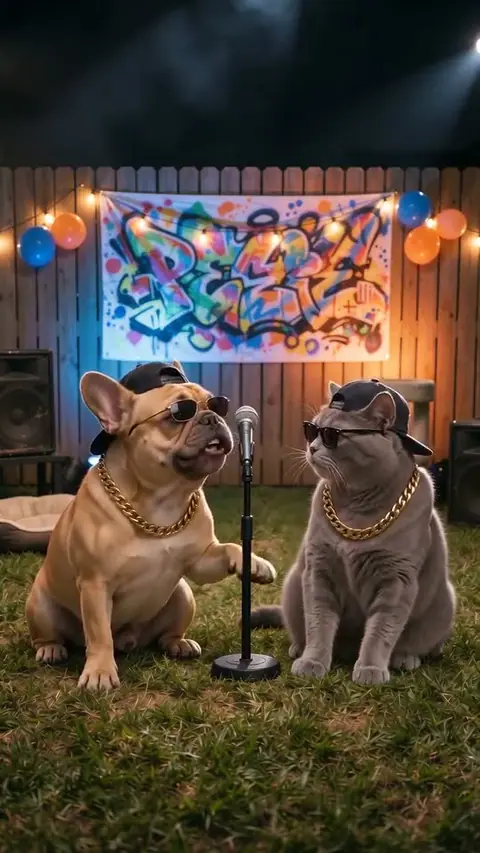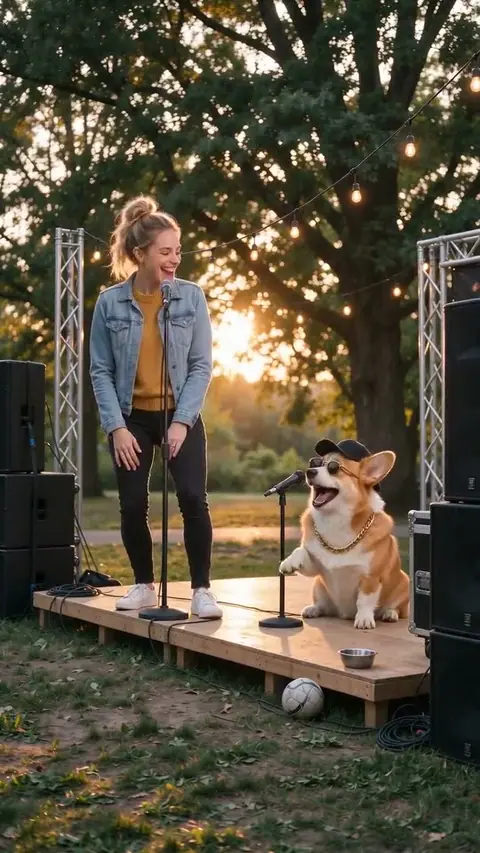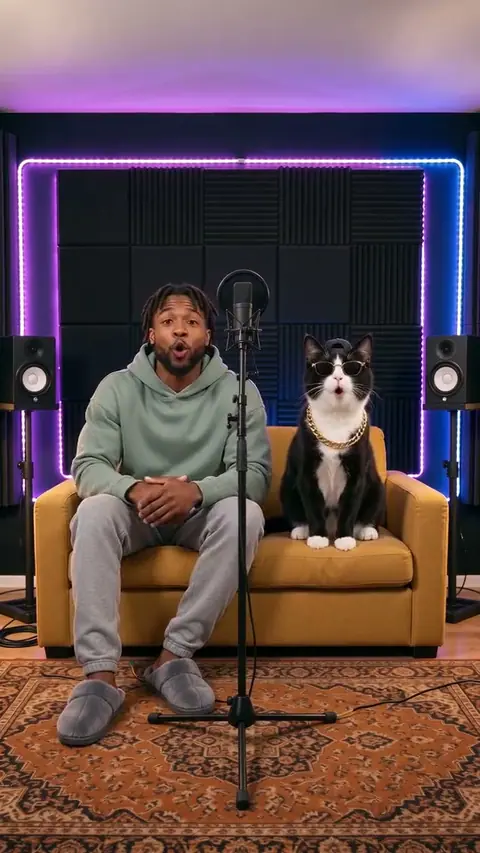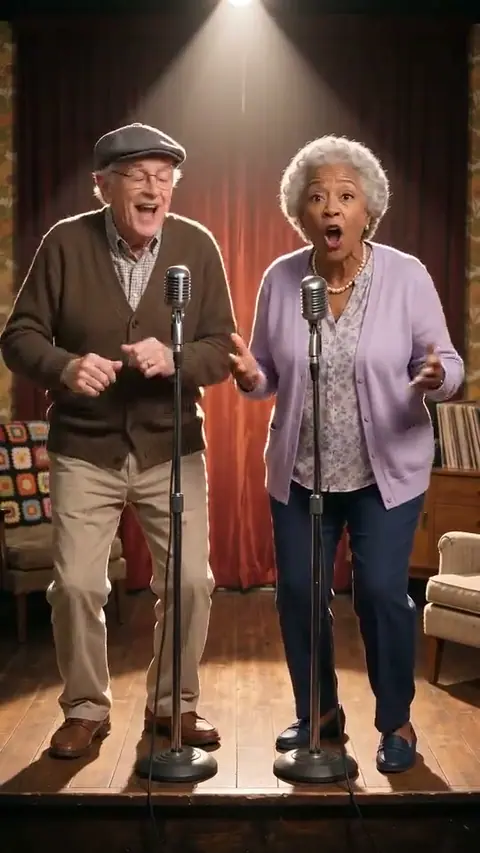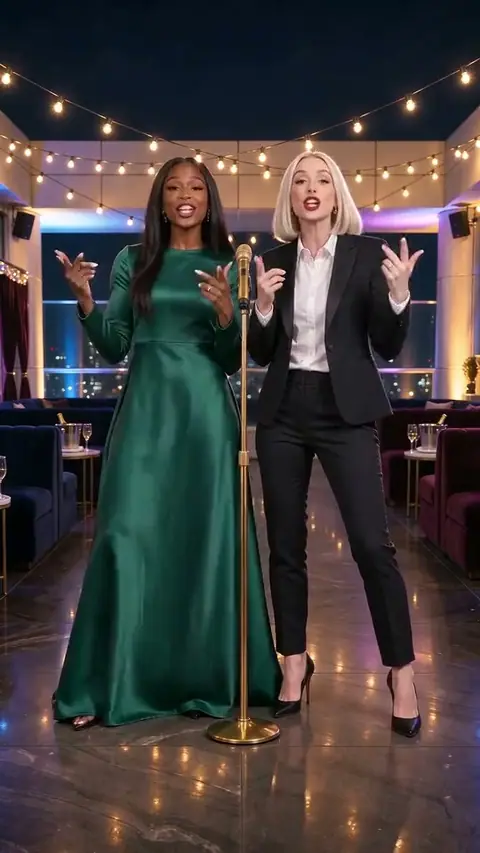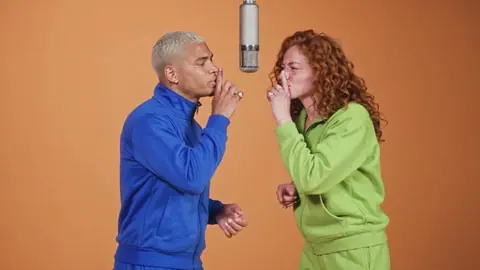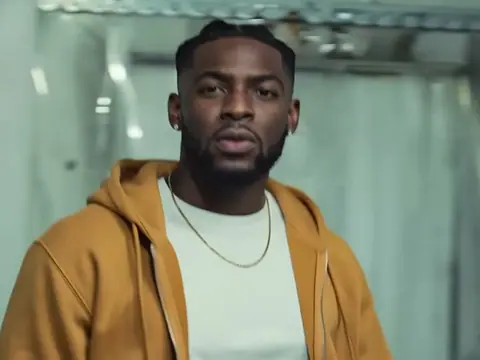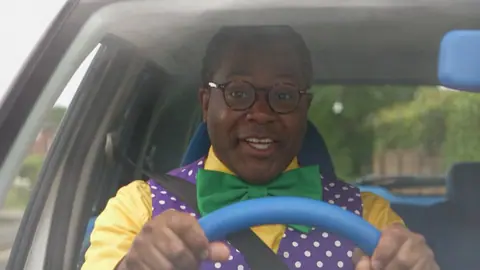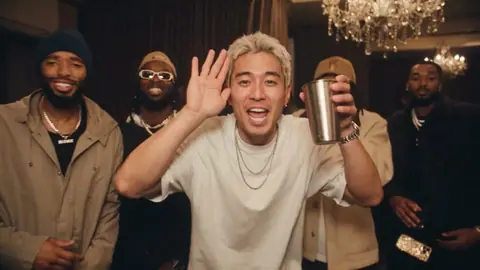
Check One Two: the scene and the cast
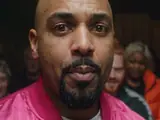
Check One Two centres on one performer addressing the camera. A front-facing portrait with a visible face is a better starting point than a crowded photo, a mask or a heavily filtered selfie.
Use this scene for a close-up solo performance. Preview the template, check the number of photo slots and review the result before sharing. The edit changes its characters; it does not give permission to use another person’s image or music.
What your photos change
Check One Two uses the supplied photos as character references. The selected template determines the background, performance and timing. AI likeness can vary, so use a well-lit, unobstructed face and inspect the finished clip.
The Check One Two preview shows the scene you are choosing. A generated result is a new AI edit, not a recording of you or an endorsement by anyone who inspired the template.
Plan your Check One Two edit in three steps
- 01
Upload one photo
Choose Check One Two and preview the full scene.
- 02
Get the full video
Add one clear photo for each requested character slot.
- 03
Add the sound and post
Confirm permission, check the displayed credits and review the result.
How much does a Check One Check Two AI video cost?
Check One Two uses the credit amount shown beside the create button. Credit packs are single purchases, starting at $6.99; compare the pack totals on the pricing page.
Check One Two uses the credit amount shown beside the create button. Credit packs are single purchases, starting at $6.99; compare the pack totals on the pricing page.
Full video · 10s
Check One Two uses the credit amount shown beside the create button. Credit packs are single purchases, starting at $6.99; compare the pack totals on the pricing page.
Check One Two uses the credit amount shown beside the create button. Credit packs are single purchases, starting at $6.99; compare the pack totals on the pricing page.
Useful answers before you create
What makes the Check One Two scene different?
Check One Two centres on one performer addressing the camera. A front-facing portrait with a visible face is a better starting point than a crowded photo, a mask or a heavily filtered selfie.
Can I change the Check One Two soundtrack?
This meme-inspired template exports without music. Add audio separately only where you have permission to use it.
Which photos should I use for Check One Two?
Use a clear photo for each requested slot, with the subject visible and unobstructed. Every human subject must be an adult who has agreed to this use.
What should I check before sharing this scene?
Check the face, movement and any sound, then keep the AI disclosure. A generated edit should never be presented as genuine footage of someone.
Choose your Check One Two cast
Preview the Check One Two scene, match your photos to its slots and check the 50-credit cost. The template is approximately 10 seconds.
Make my videoohfru.com provides independent AI scene edits. A template preview does not imply an endorsement by any person, platform or music owner. Review consent and rights before sharing. Updated November 4, 2026.