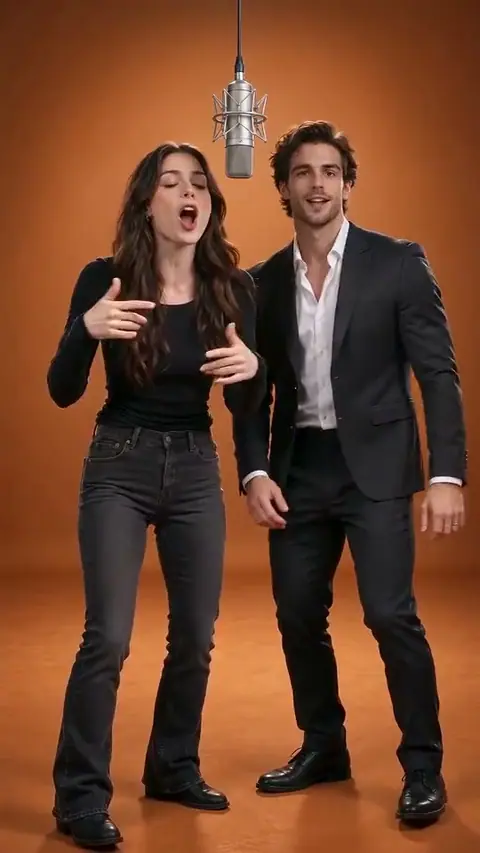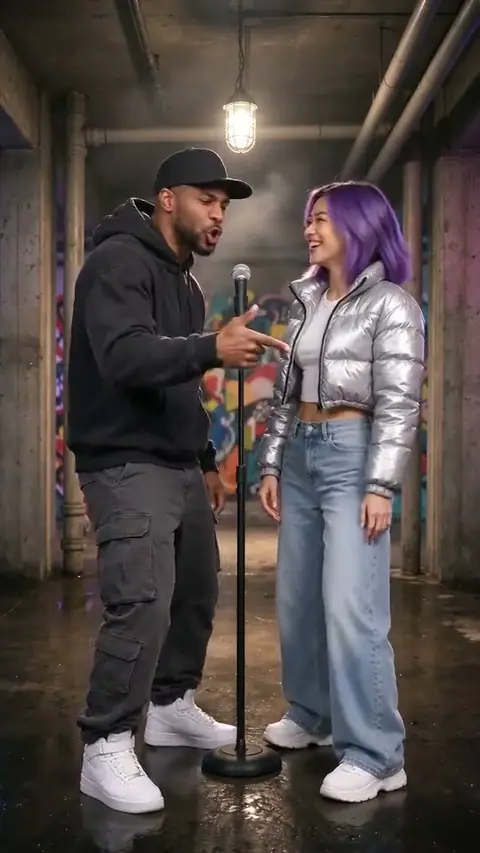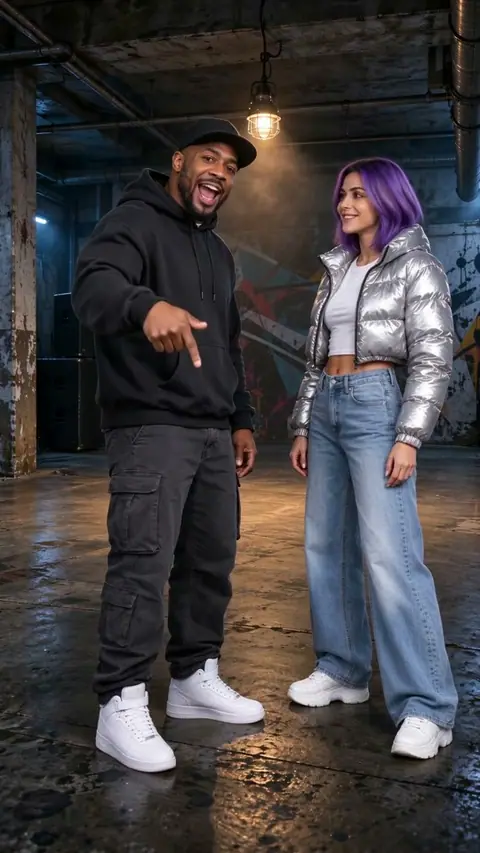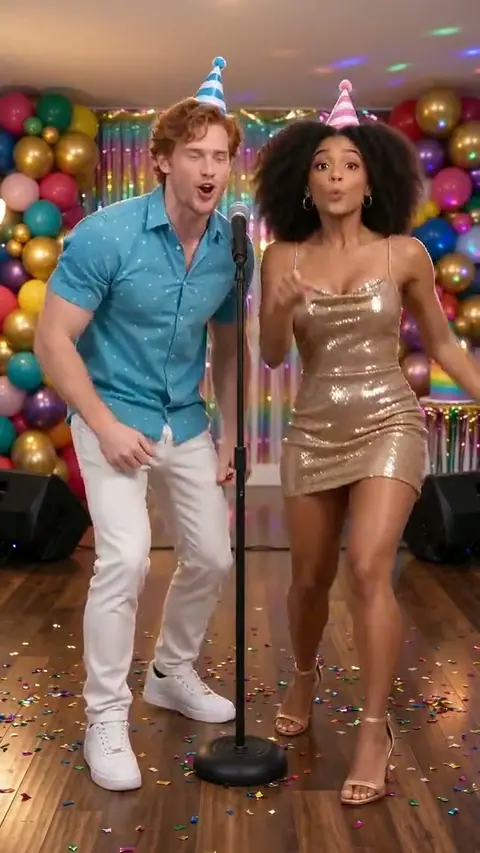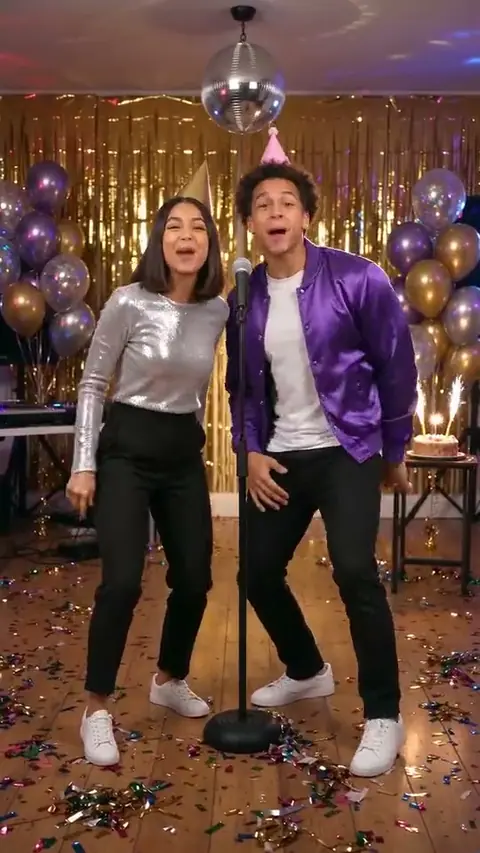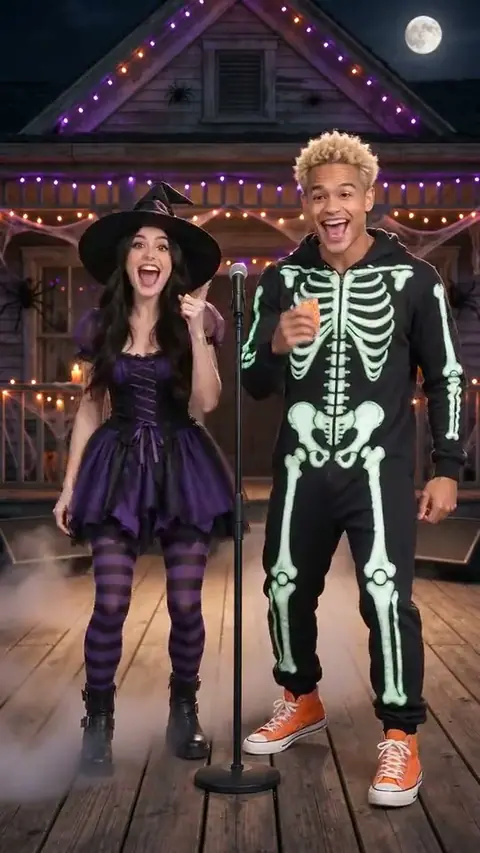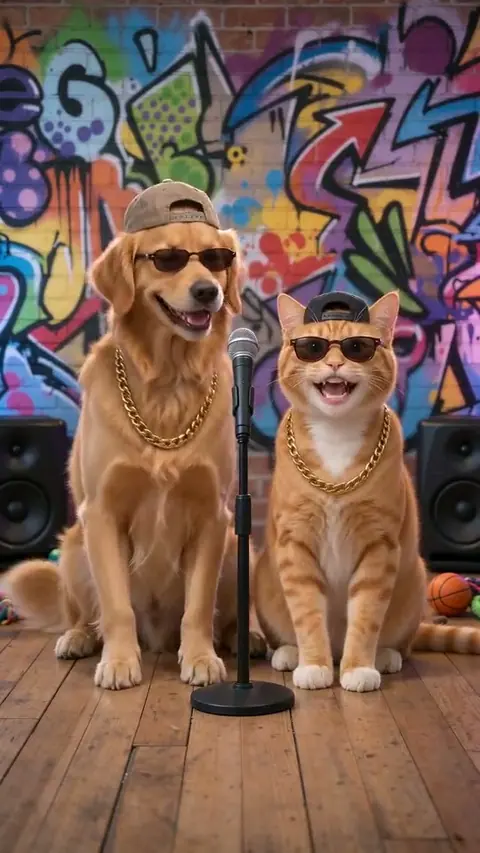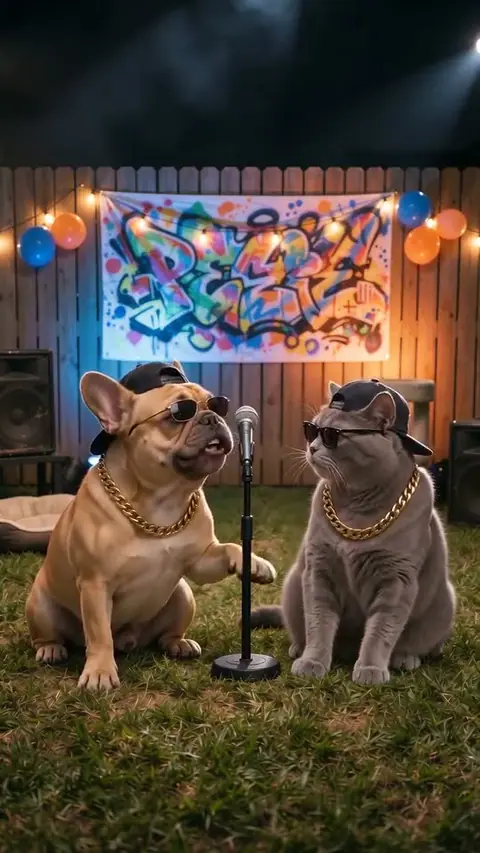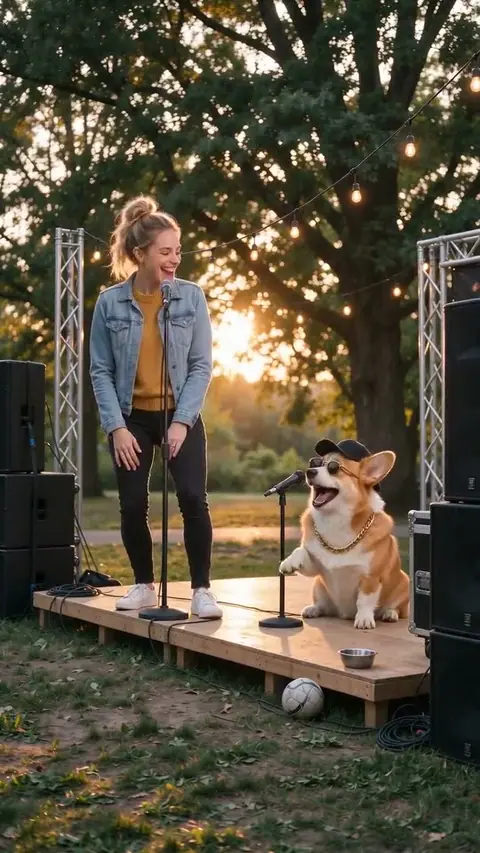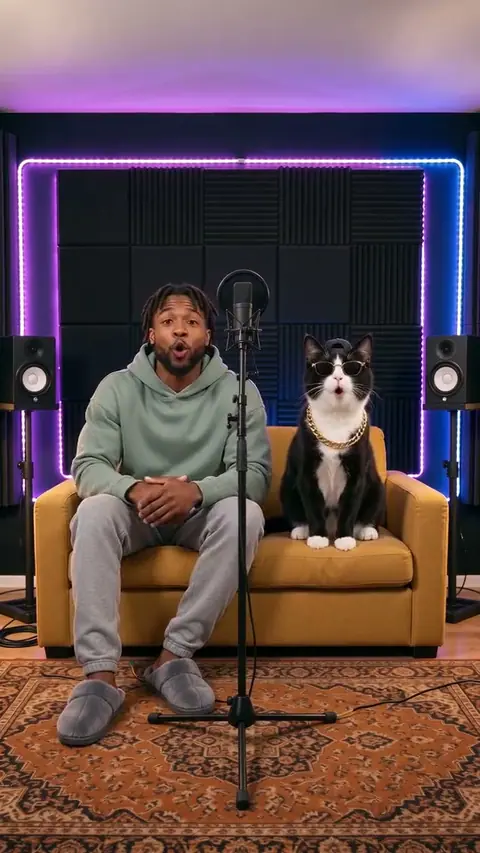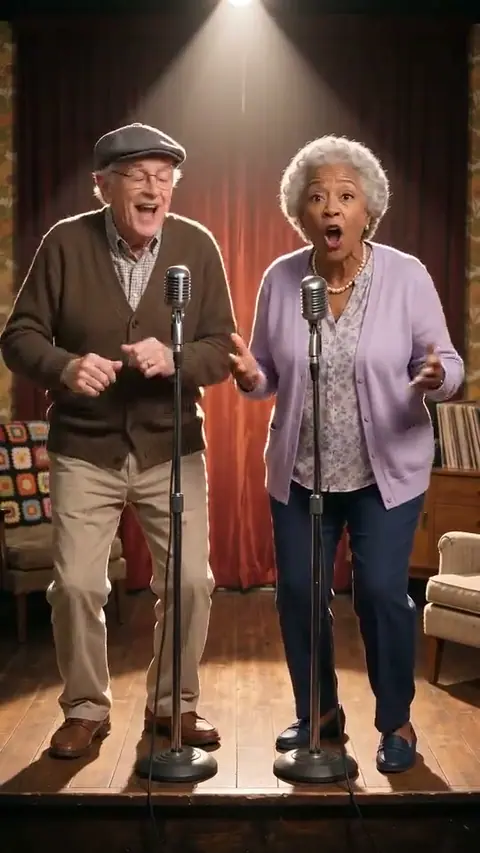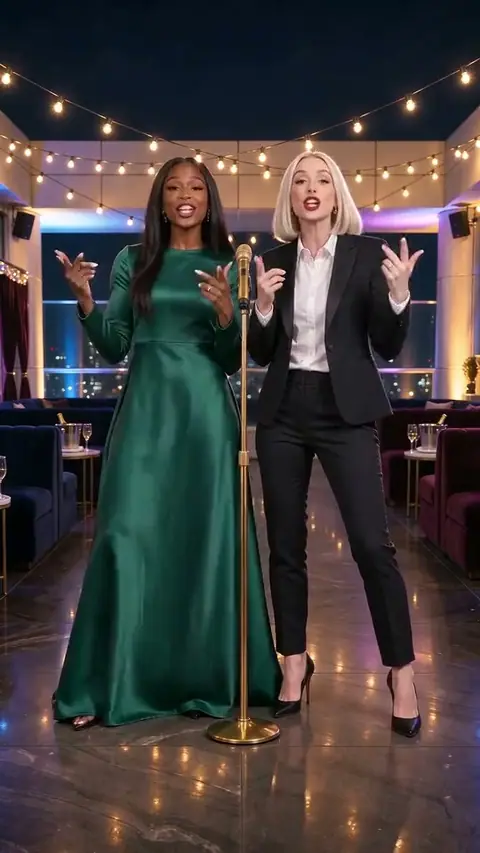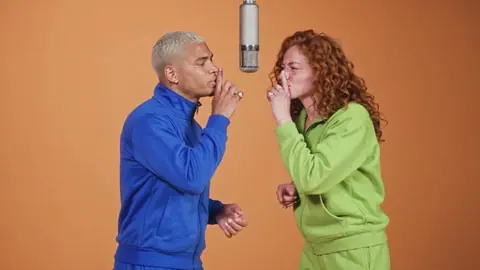
3 stages to rap on
Christmas Rap
15s · 9:16 vertical
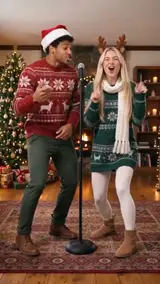
A warm Christmas living room becomes the setting for your two-person holiday performance.
Rap on Christmas Rap →Christmas Snow Yard
15s · 9:16 vertical
Take the duet outdoors: a snowy yard, festive lights and two places for your chosen cast.
Rap on Christmas Snow Yard →Christmas Kitchen
15s · 9:16 vertical
Trade the stage for a festive kitchen filled with small holiday details.
Rap on Christmas Kitchen →Christmas Rap: the scene and the cast
These Christmas scenes share a festive mood but have different surroundings: tree lights indoors, snow outside, or a kitchen dressed for the holidays. Preview the setting before choosing your pair of photos.
Use this scene for a personal Christmas video greeting. Preview the template, check the number of photo slots and review the result before sharing. The edit changes its characters; it does not give permission to use another person’s image or music.
What your photos change
Christmas Rap uses the supplied photos as character references. The selected template determines the background, performance and timing. AI likeness can vary, so use a well-lit, unobstructed face and inspect the finished clip.
The Christmas Rap preview shows the scene you are choosing. A generated result is a new AI edit, not a recording of you or an endorsement by anyone who inspired the template.
Plan your Christmas Rap edit in three steps
- 1Pick a stage, then upload one clear, waist-up photo of you and one of your friend, each facing the camera. Both of you must be adults who agreed.
- 2Tick the consent box and start your video.
- 3Follow the task in your library. When it completes, review the face and movement before downloading or sharing.
A holiday verse starts with one shared moment
Choose a detail your audience will recognise: the paper crown that never fits, the trip home or the last seat at the table. One small memory gives a Christmas verse more personality than a list of seasonal words.
Try a short opening, a reply from the second voice and a closing greeting. These are writing ideas for your own performance; the Christmas video templates keep their supplied audio.
- Read the opening at a comfortable speaking pace.
- Choose a pair of rhymes that fits your actual story.
- Give each speaker a different detail to add.
- Finish with the greeting you want people to remember.
Choose the message before the rhyme
- Friends: retell the journey to the holiday get-together.
- Couples: celebrate the tiny tradition you started together.
- Colleagues: write a toast to a project you finished as a team.
- Family: pair an old memory with a greeting for this year.
A short holiday writing exercise
Use this six-line example to practise two voices and a shared ending. Change the details to fit your own gathering. It stays a text exercise and does not replace a template soundtrack.
- Voice one: The train ran late, but I made it to the door
- Voice one: With a paper crown and crumbs across the floor
- Voice two: We saved your chair and the stories from the year
- Voice two: Pull it closer, all the people you love are here
- Together: Raise a glass to the miles that brought us through
- Together: Happy holidays from our little crew
Choose how to send your holiday greeting
A private family message and a public social post need different choices. Ask the people in the photos before sharing, keep the AI disclosure and use only audio you are allowed to publish. Choose your template for its setting; draft a separate greeting if you want new words.
Useful answers before you create
What makes the Christmas Rap scene different?
These Christmas scenes share a festive mood but have different surroundings: tree lights indoors, snow outside, or a kitchen dressed for the holidays. Preview the setting before choosing your pair of photos.
Can I change the Christmas Rap soundtrack?
This template keeps its supplied soundtrack. A lyric draft does not replace the performance or generate a new song.
Which photos should I use for Christmas Rap?
Use a clear photo for each requested slot, with the subject visible and unobstructed. Every human subject must be an adult who has agreed to this use.
What should I check before sharing this scene?
Check the face, movement and any sound, then keep the AI disclosure. A generated edit should never be presented as genuine footage of someone.
ohfru.com provides independent AI scene edits. A template preview does not imply an endorsement by any person, platform or music owner. Review consent and rights before sharing. Updated November 4, 2026.