
ohfru.com Video Maker
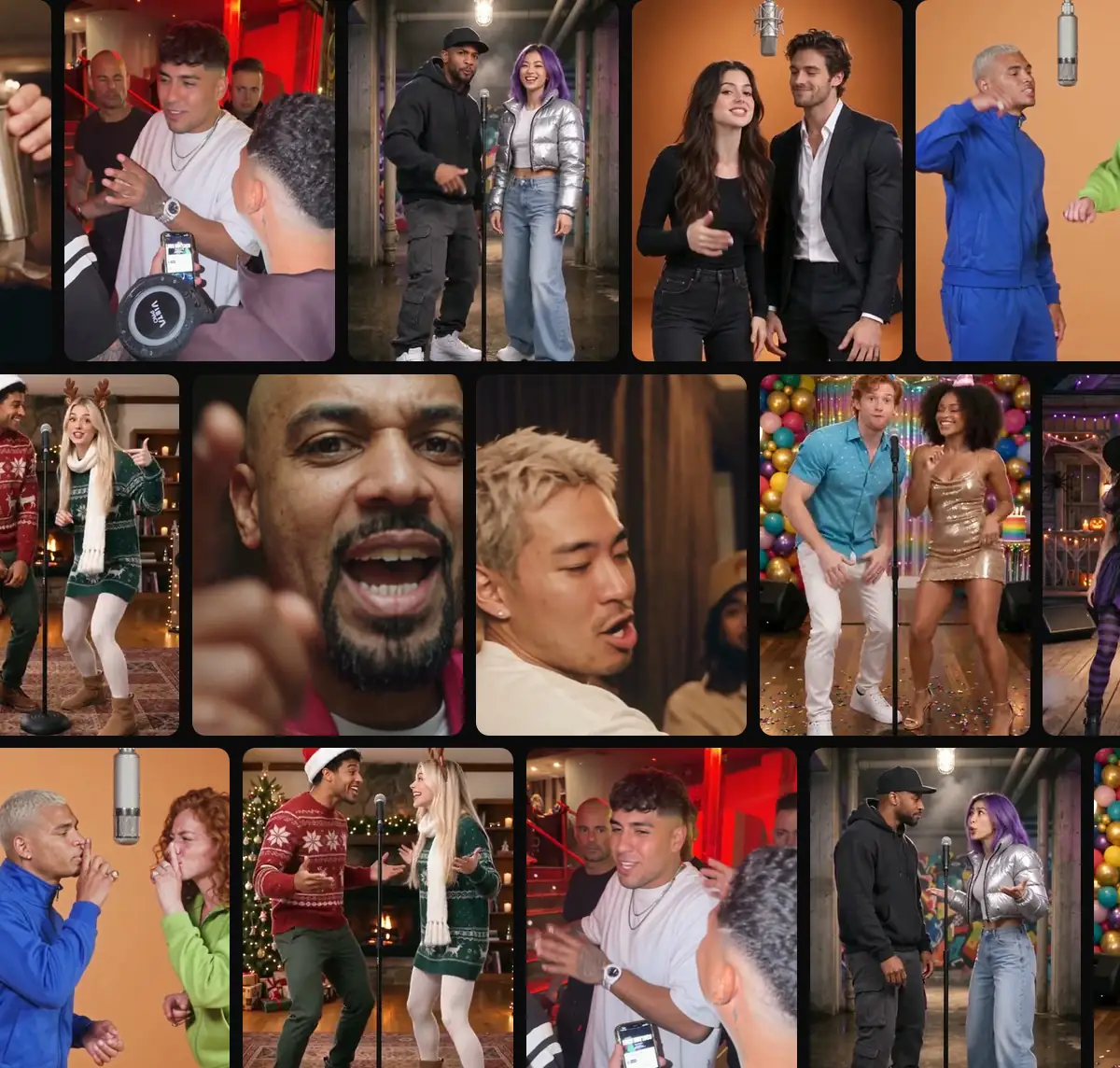
A familiar face. A different scene. Choose a rap duet, a pet performance or a meme-inspired moment, then add your photos. The template brings the movement and soundtrack; you bring the cast.
Eligible accounts can try one watermarked, five-second scene. Full videos and meme edits use the credits shown before creation.
AI Rap Video Maker with Templates
Preview a scene and check the cast before adding your portraits.
Made from
1 · Pick a stage
2 · Add your photos
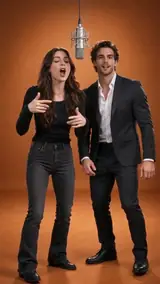
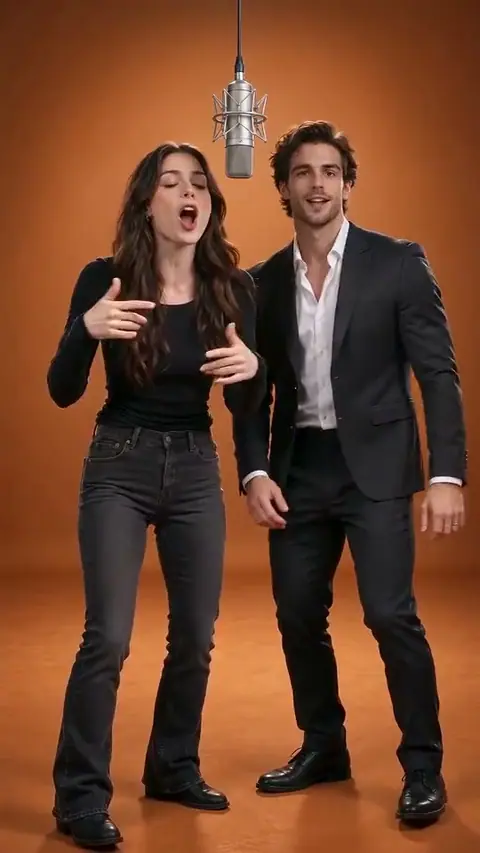
Hype Duo
15s · 9:16 · 50 credits · Template audio
Photo tips · JPG / PNG / WEBP, up to 10 MB
- Just you, one adult, facing the camera, eyes visible
- Good light, no sunglasses, hats or filters
- Waist up: the outfit in your photo is the outfit in the video
- Only you or an adult who agreed: no public figures
✏️ Lyrics draft · template audio stays
Lyrics are saved as a draft. This video uses the selected template’s original soundtrack.
Optional notes stay with your draft; this scene keeps its original soundtrack.
Free 5-second clip, once per person, with a Google sign-in. Pricing
Templates
AI Rap Video Maker with Templates
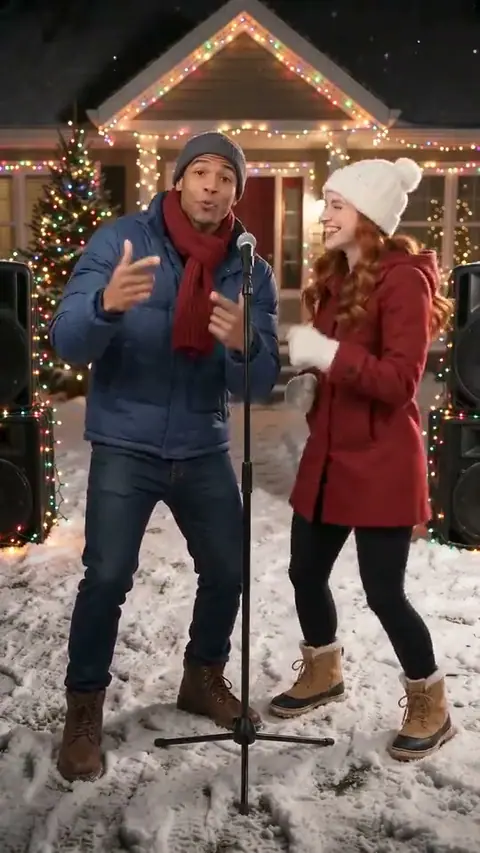
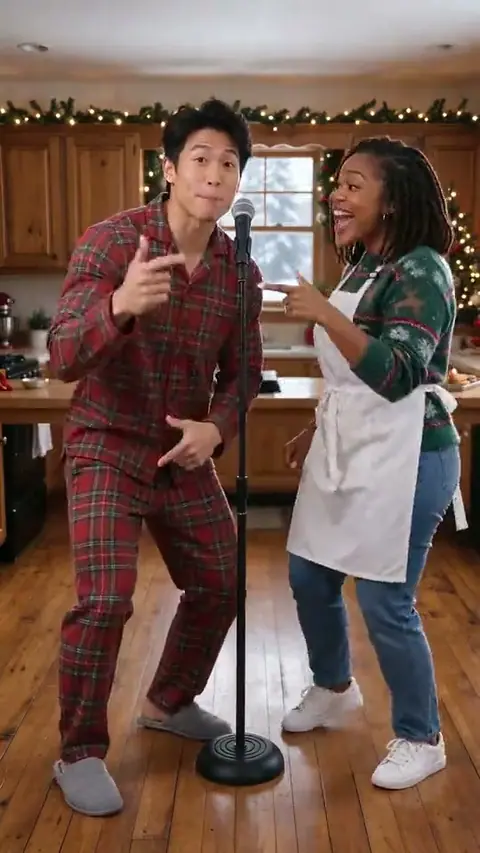
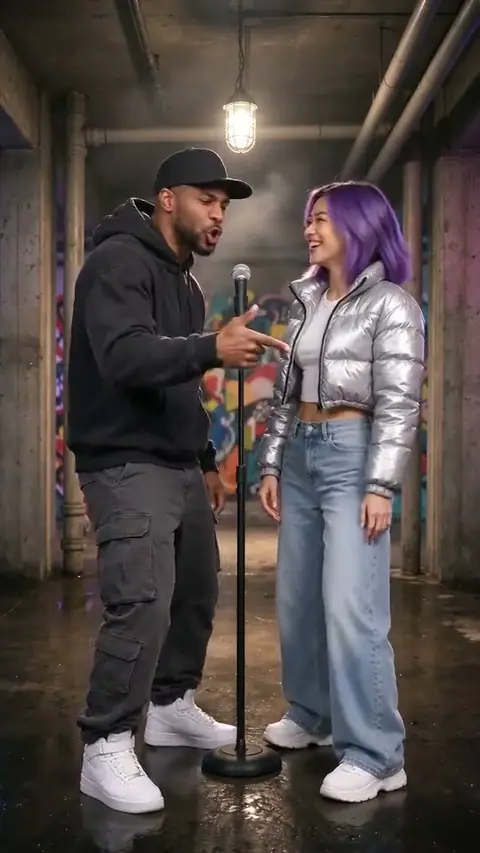
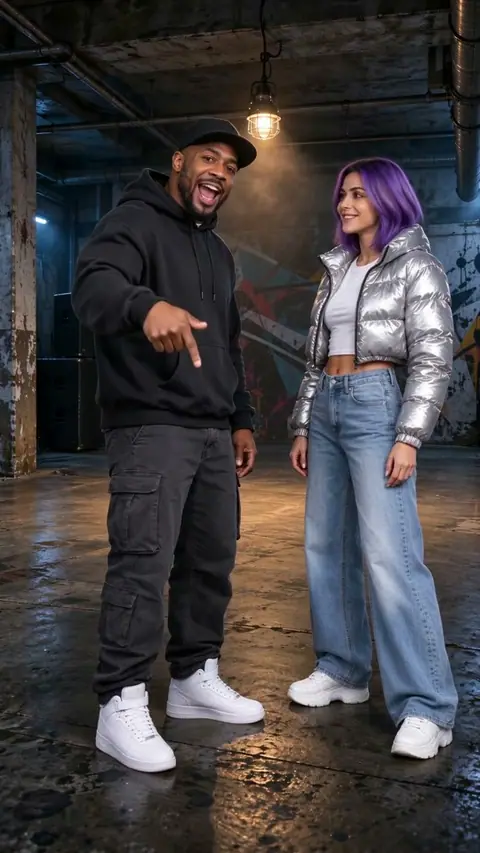
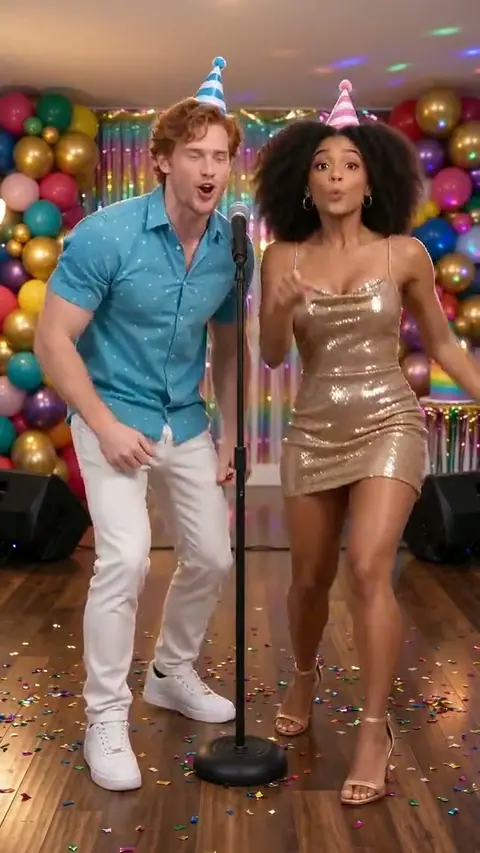
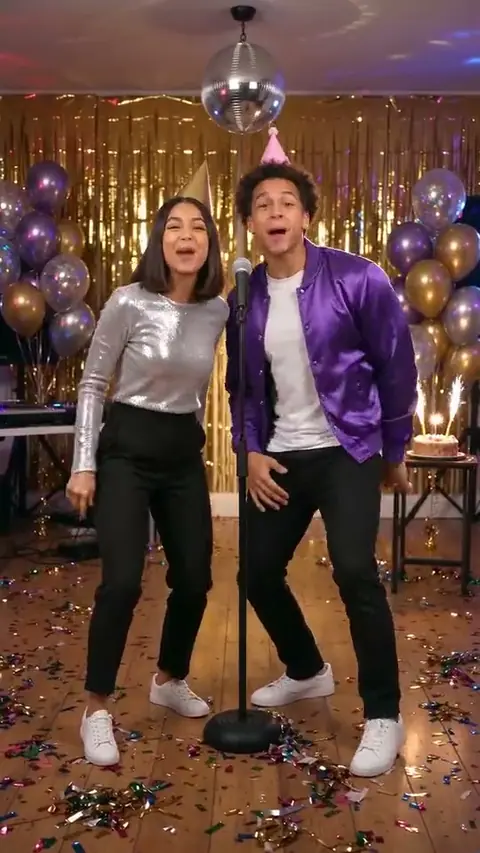
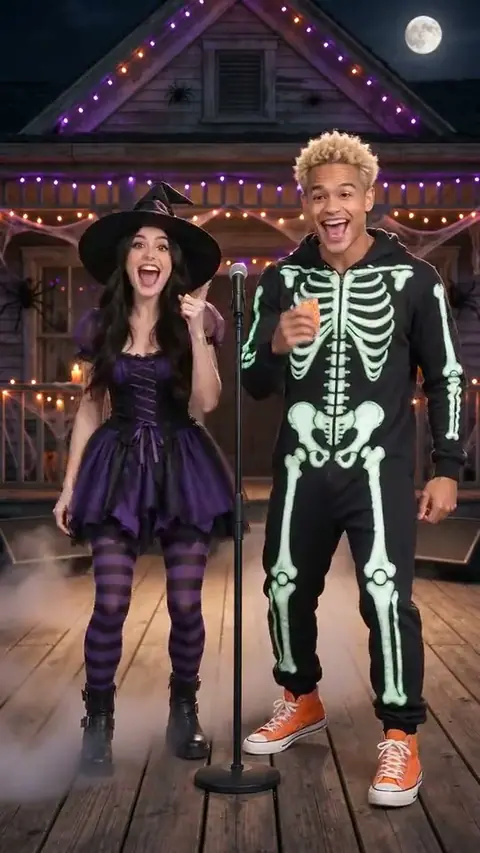
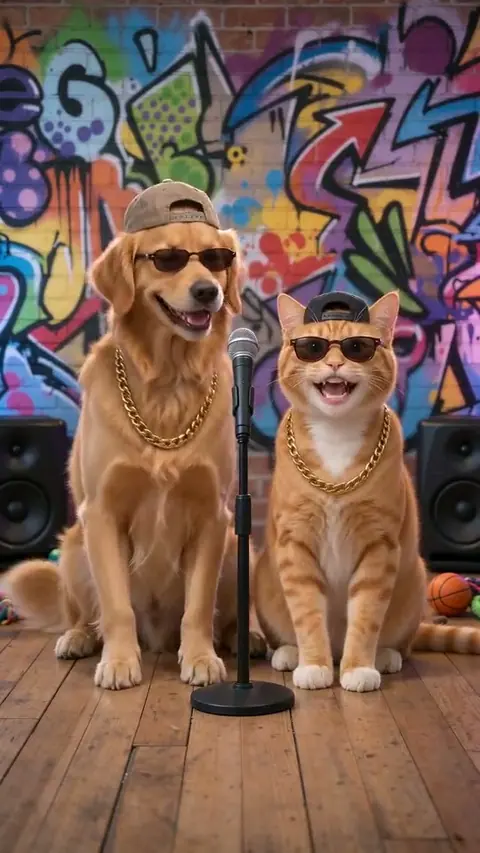
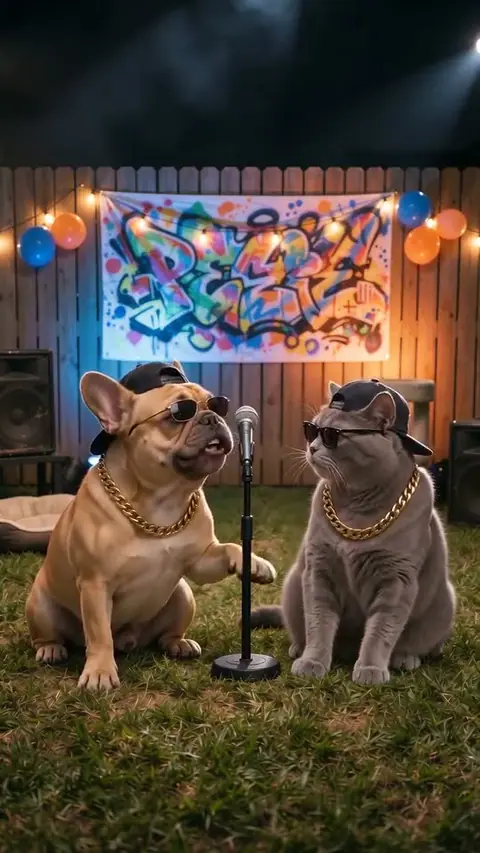
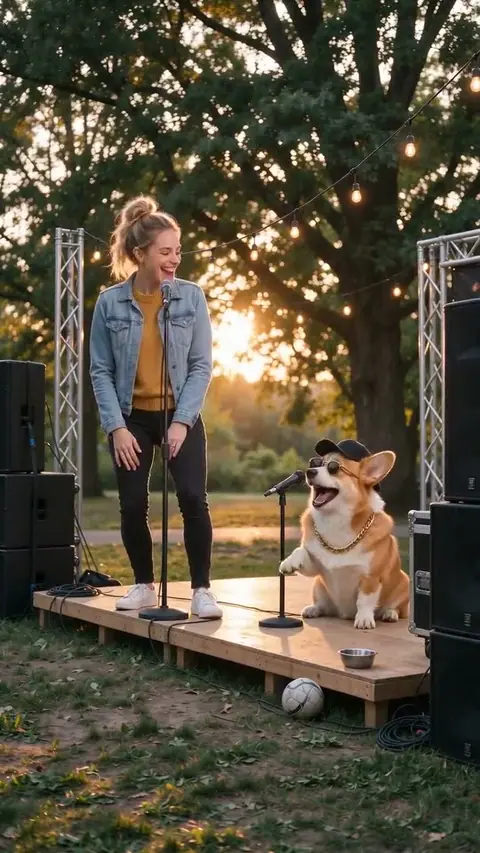
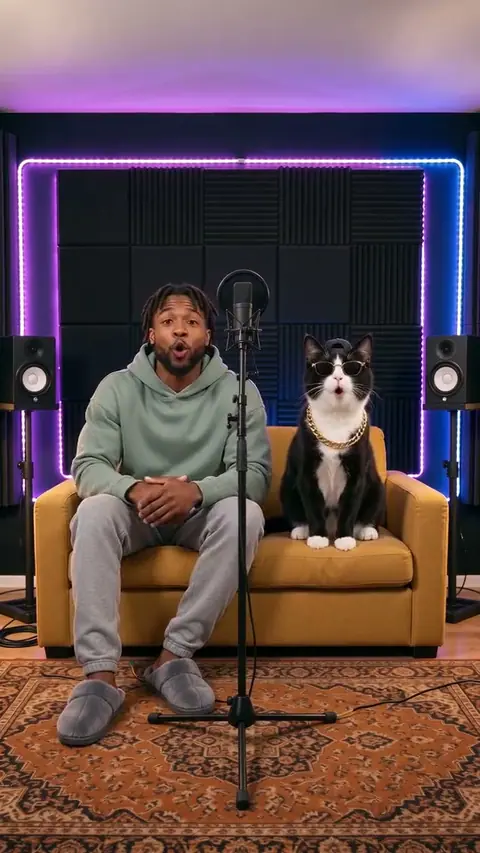
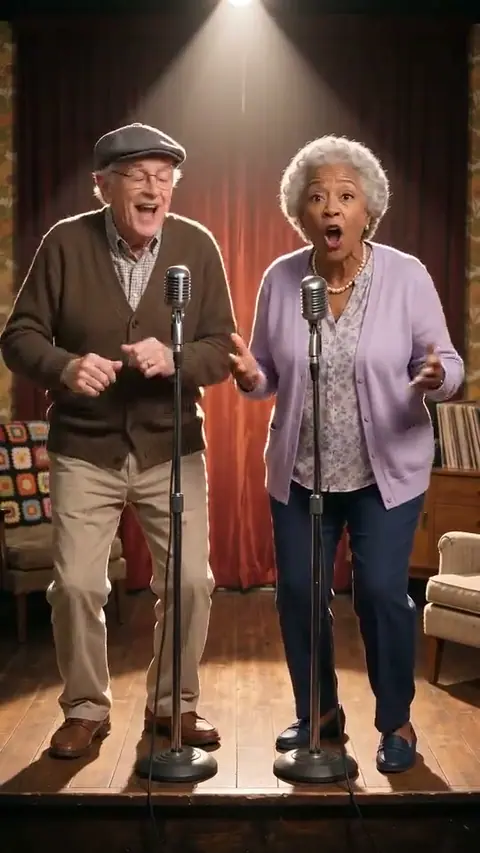
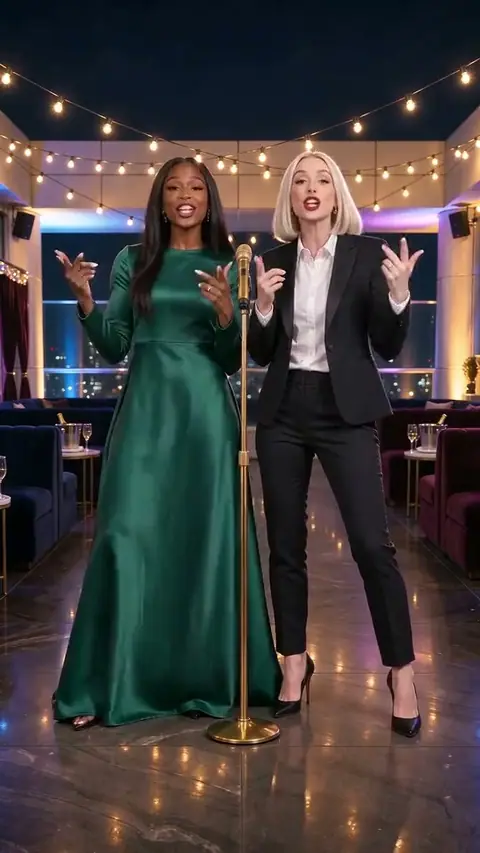
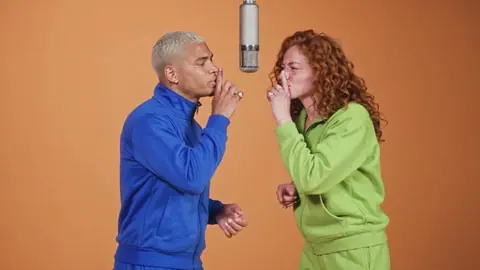
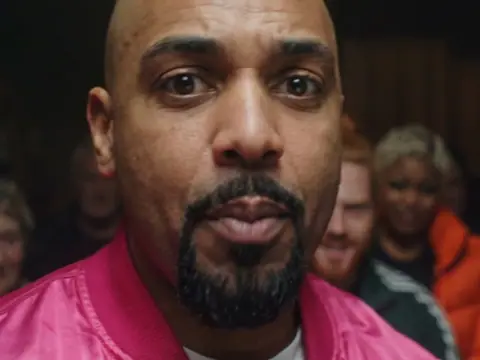
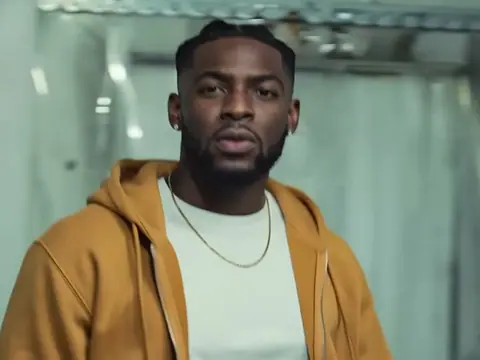
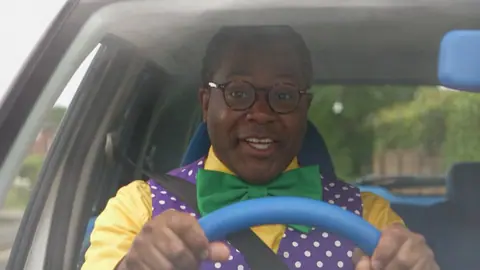
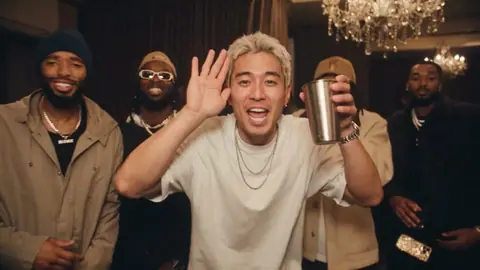
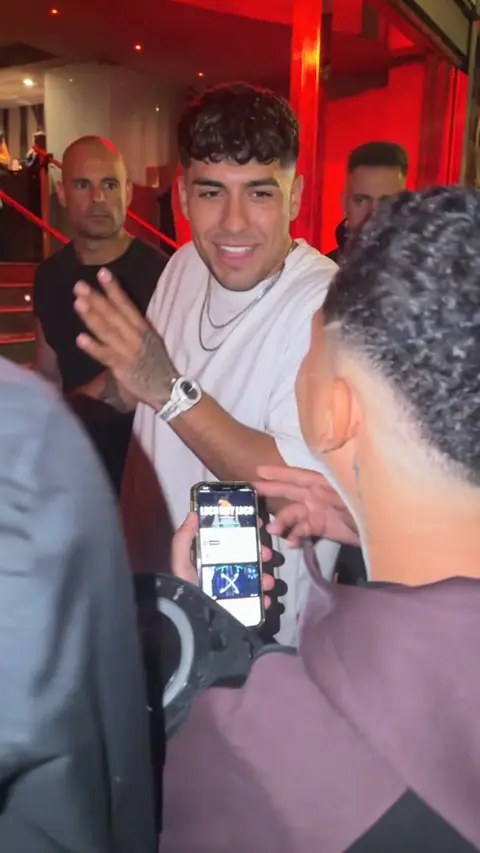
More rap memes coming
Browse the current collection to find a scene that fits your cast and the moment you want to share.
Seen a rap meme you want to star in? Tell us.
💸 Free vs paid
Choose a preview or a full scene
| What you get | Price |
|---|---|
| Original rap clip: 5 seconds, 480p, small watermark | Free, once per person (Google sign-in) |
| Full original rap video: up to 15 seconds, 720p, no watermark | 50 credits |
| Meme remake video: up to 15 seconds, 720p, no watermark | 50 credits |
| Longer scenes: check the template’s availability | Shown on the template |
An eligible free clip is five seconds with a watermark. Full scenes use the credit amount shown in the generator. Purchased credits do not expire, and failed tasks return the credits they used.
⚡ How it works
From a portrait to a performance
- 01
Add two photos
Choose portraits with clear faces and permission from each person.
- 02
Choose your rap template
Preview the scene and match each photo to its character slot.
- 03
Get your video
Check the generated result, download it and keep the AI disclosure.
The basics
Your photo is the starting point
ohfru.com is a template-based photo-to-video tool. Choose a preview and use your photos to recast its characters.
The video inherits the template’s setting, motion and existing soundtrack. Lyrics can be drafted separately; writing new lines does not change what the template sings.
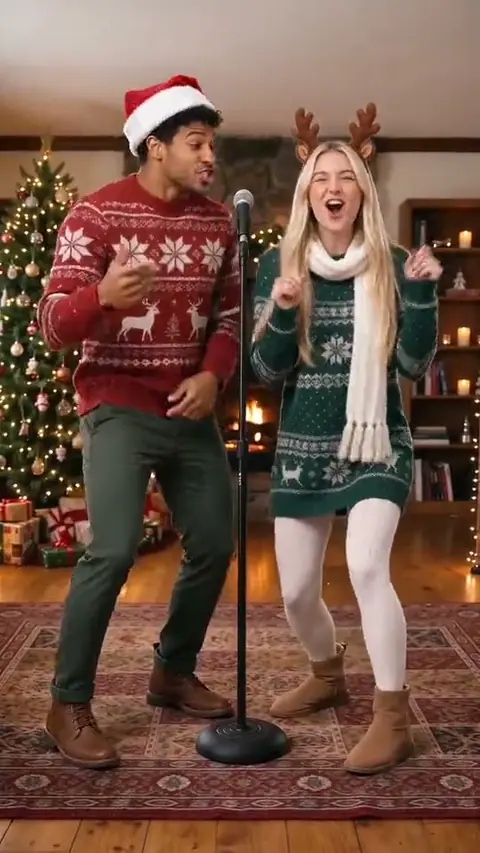
Try a shared studio scene for two friends, a seasonal greeting or a pet-led performance. Review the AI result before you post it.
📸 Photo tips
Give your photo a fair chance
- Keep the face fully visible and facing the camera.
- Use even light and avoid strong beauty filters.
- Choose one subject per photo and follow the slot instructions.
- Let the template preview guide your choice of framing.
🎟️ Pricing
One payment, a balance to create with
Choose 50, 150, 750 or 1,500 credits. Packs begin at $6.99 and do not start a subscription; the cost of each template is shown before submission.
🚫 House rules
Keep the cast comfortable
Upload only your own images or photos you have permission to use. Every human subject must be an adult who has agreed to the video.
Avoid minors, public figures, sexual content, harassment and deceptive claims. Keep the AI label when sharing, and report consent or rights concerns through support.
- No minors. Photos of anyone under 18 are refused.
- No public figures. No celebrities, politicians or influencers, not even as a parody.
- No one who didn't agree. Only you, or an adult who said yes to being in this video.
- No sexual or harassing content. Nothing sexual, hateful, or made to bully someone or mislead people about what a real person said or did.
Photo & scene notes
Plan the cast. Make the moment yours.
Choose photos, shape a rap duo idea and understand the sound before spending credits. Our guides explain what a template changes and what stays with the scene.
Your face, the scene and the part AI actually changes
Understand template video face swap, photo animation and lip sync. Choose the workflow that matches your photos, scene and audio before spending credits.
Read the guide →Give your rap duo a reason to share the frame
Plan a two-person AI video with a clear relationship, a short opening caption and a fresh everyday premise. Practical rap duo ideas for your next brief.
Read the guide →What rising AI rap searches actually ask for
Dated Google Trends notes on Hotel Lobby AI video, rap duo and AI rap video generator searches, with practical scene-planning advice and clear limits.
Read the guide →All photo-to-video guides · Hotel Lobby AI video: planning & sound
🤔 FAQ
Useful answers before you create
What is ohfru.com?
A photo-to-video tool for short, template-based performances. Your photos become character references; the selected scene supplies the action and existing soundtrack.
How to make AI rap videos from photos?
Choose a rap template, add one photo for each character slot, confirm permission and review the generated clip. The scene supplies the movement and soundtrack; your photos supply the character references.
Are my new lyrics sung in the video?
No. The lyrics tool saves an editable text draft. Template videos retain the soundtrack shown in their preview.
How are duo and pet scenes different?
Each template asks for a specific cast. Match one photo to each person or animal slot; do not put a pet photo into a human-only slot.
How do video credits work?
A one-time pack adds credits to your account. The generator shows the selected scene’s cost. Failed tasks return their charged credits.
Who operates the service?
SUNNUY YOGA COUTURE LTD, company number 16125223. Contact support@ohfru.com or +447394743258; WhatsApp uses the same number.